If you searched for “Chicken Road 2 app” expecting a download link, here is the answer upfront: there is no official app. Not on iOS, not on Android, not as a standalone APK. InOut Games does not distribute Chicken Road 2 as a mobile application. It has never existed, and anything claiming to be one is not made by the developer.
That does not mean you cannot play on your phone. The game runs natively in any mobile browser through licensed casino platforms — full functionality, no download, no installation. But the app question keeps coming up because the internet is full of fake listings, cloned APKs, and download pages designed to exploit the game’s popularity.
This page covers how mobile access actually works, why there is no app, how to spot the fakes, and what your real options are for playing Chicken Road 2 on a phone or tablet.
| Detail | Info |
|---|---|
| Official app (iOS) | Does not exist |
| Official app (Android) | Does not exist |
| Official APK | Does not exist |
| Mobile access | Browser-based — Chrome, Safari, Firefox |
| Technology | HTML5 (responsive, no download needed) |
| Casino apps with CR2 | Some partner casinos offer their own apps with Chicken Road 2 in the lobby |
| PWA (Add to Home Screen) | Supported on Android and iOS |
Why There Is No Chicken Road 2 App
InOut Games builds browser-first games using HTML5. Their entire portfolio — Chicken Road, Chicken Road 2, Chicken Royal, Rabbit Road — runs inside casino platforms through the browser. No downloads, no native apps, no APK distribution. This is a deliberate design choice, not a limitation.
There are practical reasons for it. App stores (Apple and Google) have strict policies around real-money gambling apps. Getting approved requires licences that most crash game providers do not hold in every jurisdiction. Maintaining an app across multiple OS versions, screen sizes, and regulatory markets adds cost and complexity. A browser-based game avoids all of that — it loads on any device, updates instantly without user action, and works everywhere a browser does.
For the player, this means one less thing to manage. No storage space used, no updates to install, no compatibility issues. The trade-off is no push notifications and no offline access — but Chicken Road 2 is an online game that requires a server connection anyway, so offline access would be meaningless.
How to Play Chicken Road 2 on Mobile
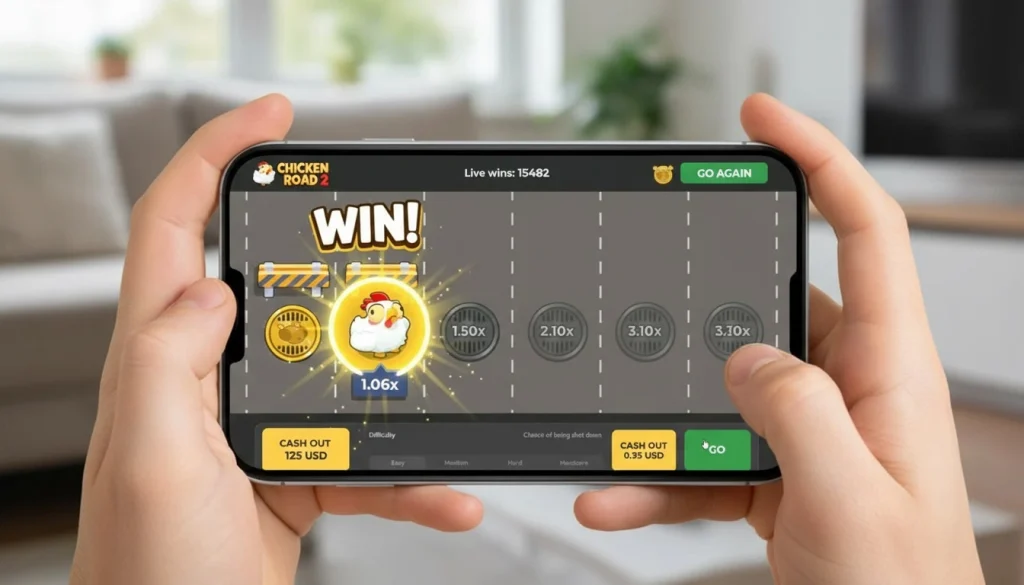
The game works on any smartphone or tablet with a modern browser. The experience is identical to desktop — same mechanics, same difficulty levels, same provably fair verification, same cash-out functionality. InOut Games builds for mobile as standard, so the interface scales to your screen automatically.
Step by step:
- Open Chrome (Android) or Safari (iOS) on your phone
- Go to your chosen casino’s website and log in
- Search for “Chicken Road 2” in the game lobby or browse the crash/instant games category
- Tap the game to launch — it opens directly in the browser
- Choose your bet, select difficulty, and play
That is it. No download screen, no installation prompt, no account linking. The game loads within the casino platform exactly as it does on a laptop.
PWA — The Closest Thing to an App
A PWA (Progressive Web App) shortcut is the closest you will get to an app-like experience for Chicken Road 2. It creates an icon on your home screen that opens the casino in full-screen mode — no address bar, no browser tabs, no navigation clutter. It looks and feels like a native app.
Android (Chrome):
- Open Chrome and navigate to your casino’s website
- Log in to your account
- Tap the three-dot menu (⋮) in the top right corner
- Select “Add to Home Screen”
- Name it (e.g., “Chicken Road 2” or the casino name) and tap “Add”
- The icon appears on your home screen — tap to launch in full-screen mode
iOS (Safari):
- Open Safari and navigate to your casino’s website
- Log in to your account
- Tap the share button (square with upward arrow) at the bottom of the screen
- Scroll down and tap “Add to Home Screen”
- Name it and tap “Add”
- The icon appears on your home screen
One limitation: if the casino changes its domain (which can happen with offshore-licensed platforms), the shortcut breaks, and you need to create a new one with the updated URL. Takes thirty seconds, but worth knowing in advance.
Casino Apps That Include Chicken Road 2
While InOut Games does not have its own app, some of the casinos that carry Chicken Road 2 do offer their own mobile apps or PWA experiences. If you prefer an app-like interface, these are your options:
| Casino | App Available | Chicken Road 2 in App | How to Access |
|---|---|---|---|
| Stake | PWA (Add to Home Screen) | Yes | Browser → Add to Home Screen |
| BC.Game | PWA + Android APK | Yes | Website → Download section |
| 1xBet | Android APK + iOS app | Yes | Website → Apps section |
| MyStake | PWA | Yes | Browser → Add to Home Screen |
| FEZbet | PWA | Yes | Browser → Add to Home Screen |
These are casino apps — not Chicken Road 2 apps. You download or set up the casino’s platform, and Chicken Road 2 is one of hundreds or thousands of games available inside it. The game itself runs identically whether you access it through a casino app, a PWA shortcut, or a plain browser tab.
Fake Chicken Road 2 Apps — What to Watch For
This is the section that matters most. The Chicken Road 2 download searches lead a lot of players to fake apps, and those fakes range from harmless junk to genuine data theft operations.
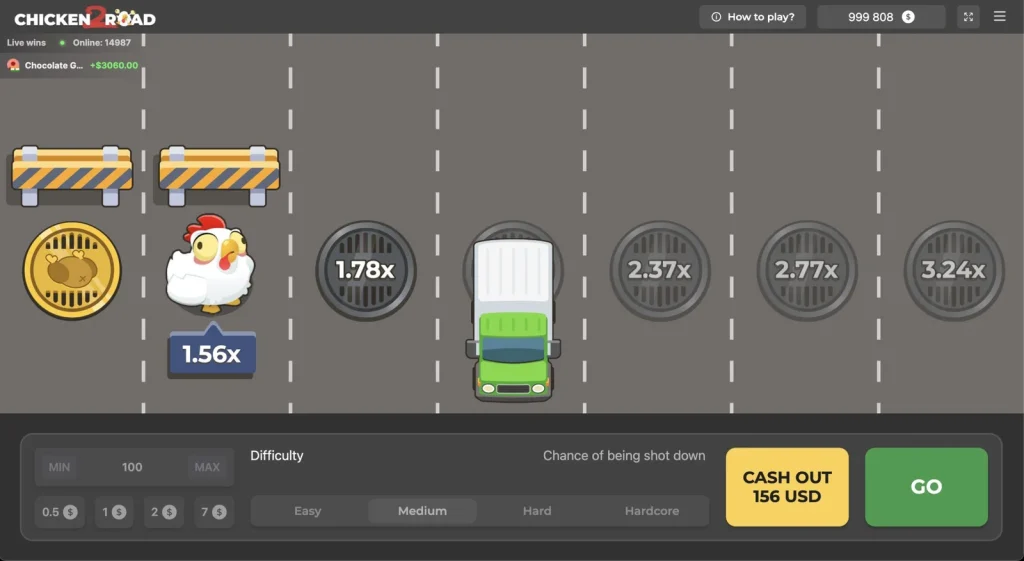
What the fakes look like:
- App Store / Google Play listings — usually disguised as casual games (“chicken crossing game,” “road chicken adventure”) using Chicken Road 2 visuals. The developer is never InOut Games. The app is either a generic arcade game with no gambling functionality, or worse, a phishing tool
- APK download sites — third-party websites offering “Chicken Road 2 APK download” with direct file links. These files can contain malware, keyloggers, or modified versions of casino apps that redirect your deposits to the scammer’s wallet
- Telegram bots — automated channels claiming to provide a Chicken Road 2 app link or “hack” in exchange for a deposit or personal information
- Social media ads — Instagram, TikTok, and Facebook ads promoting a “Chicken Road 2 app” with screenshots from the real game. The link leads to a clone site, not a licensed casino
How to tell it is fake:
- The developer name is not InOut Games
- It asks for a direct deposit (outside a casino platform)
- It requires downloading an APK from an unverified source
- It promises guaranteed wins, hacks, or signal predictions
- It has no visible casino licence or provably fair verification
- The app store listing describes it as a casual or arcade game, not a real-money casino title
The rule is simple: if someone is offering you a Chicken Road 2 app download, it is not from InOut Games, and it is not safe. Close the page, delete the file, and play through a licensed casino browser instead.
Verdict
There is no Chicken Road 2 app, and there does not need to be. The browser-based version runs identically on mobile and desktop — same game, same mechanics, same fairness verification. A PWA shortcut gives you a home screen icon and full-screen mode, which covers the convenience gap that a native app would fill.
The real risk is not the absence of an app. It is the presence of fake ones. The game’s popularity has made “Chicken Road 2 download” a target for scammers, and the results pages are full of clone sites, fake APKs, and phishing operations. None of them are from InOut Games. None of them are safe.
Play through a licensed casino. Access through the browser. Add a PWA shortcut if you want the app-like experience. And if anything on the internet offers you a Chicken Road 2 app download — close the tab.
Frequently Asked Questions
Is there an official Chicken Road 2 app?
No. InOut Games does not offer a standalone app for Chicken Road 2 on any platform. The game is browser-based and runs inside licensed casino game lobbies. Any app claiming to be Chicken Road 2 is not from the developer.
Can I play Chicken Road 2 on my phone?
Yes. The game runs in any mobile browser (Chrome, Safari, Firefox) through a licensed casino website. No download needed — open the casino, find the game, and play. The mobile experience is identical to desktop.
What about the Chicken Road 2 APK files online?
Do not download them. InOut Games does not distribute APK files. Third-party APKs claiming to be Chicken Road 2 can contain malware, keyloggers, or phishing tools. Play through a licensed casino browser only.
Can I get Chicken Road 2 through a casino app?
Some casinos that carry the game (Stake, BC.Game, 1xBet) offer their own mobile apps or PWA shortcuts. Chicken Road 2 is available inside those casino apps alongside other games. These are casino apps, not Chicken Road 2 apps.
What is a PWA and how do I set it up?
A PWA (Progressive Web App) creates a home screen shortcut that opens the casino in full-screen mode — like a native app without the download. On Android, use Chrome’s “Add to Home Screen” option. On iOS, use Safari’s share menu and tap “Add to Home Screen.”